Progress and history
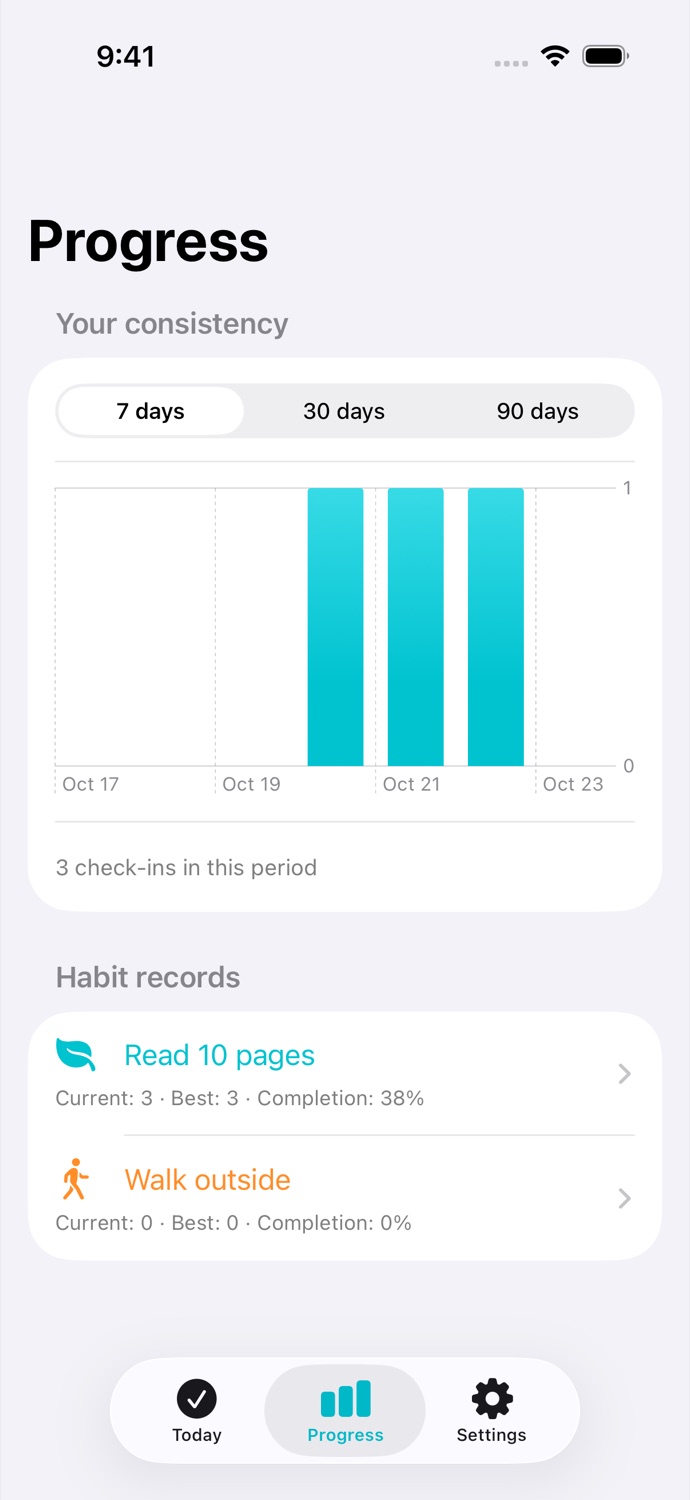
See your streaks and completion rate. Rest days do not break a streak.

Daily Habit Tracker for iPhone & iPad
Daytwig helps you build routines at your own pace on iPhone and iPad. Set a schedule that fits, check in each day, and see your progress grow over time.
Productivity · MiniSpark Apps
Productivity
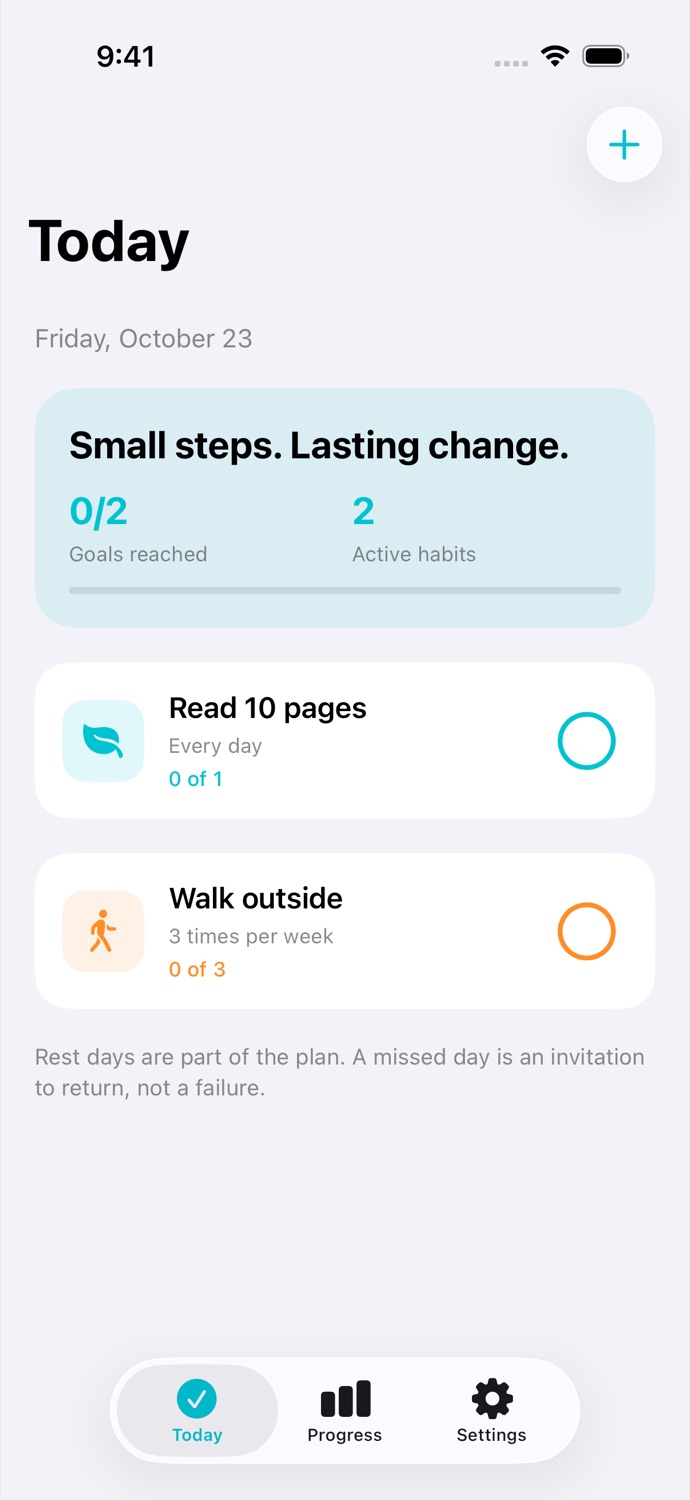
Choose every day, specific weekdays, or a weekly goal for each habit.
Productivity
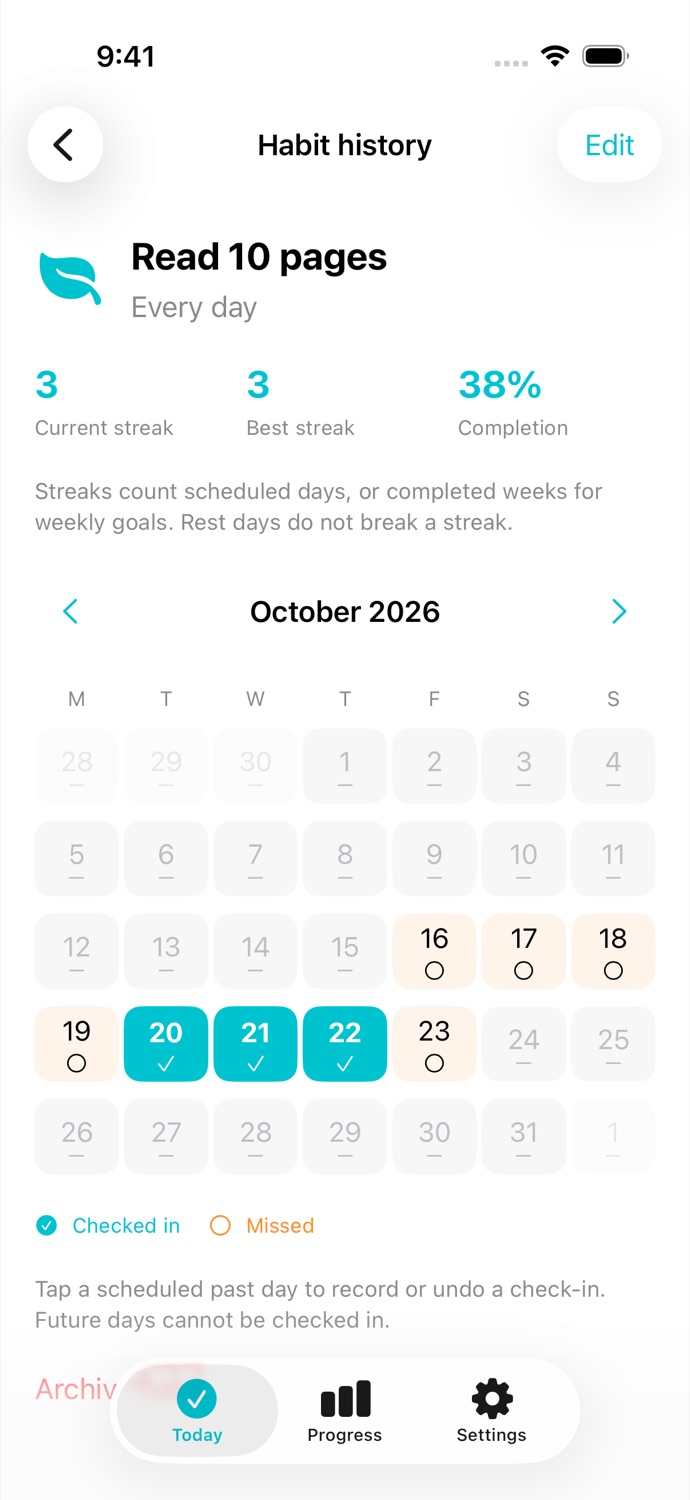
Tap to record a check-in or undo it. Review and update past days in the calendar.
See your streaks and completion rate. Rest days do not break a streak.
Set optional local reminders and check in from a Home Screen widget.
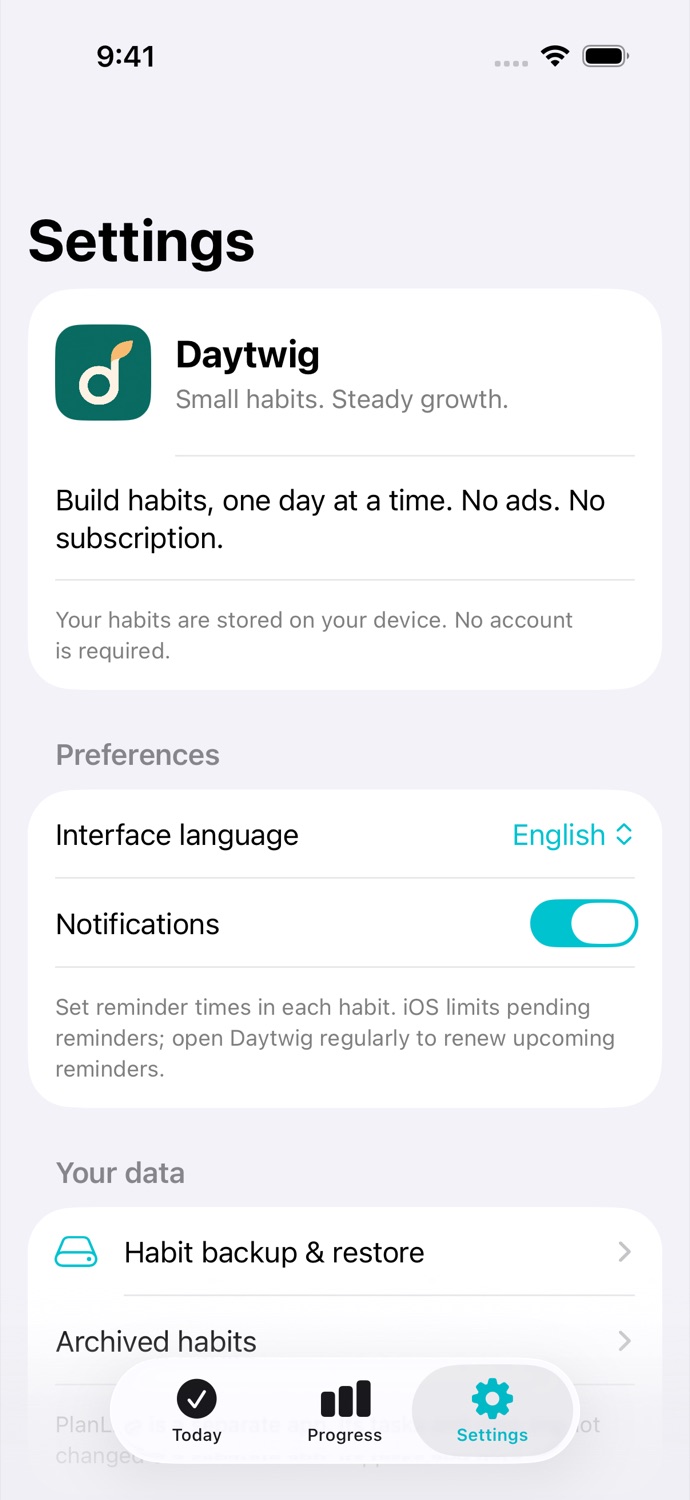
Export and restore JSON backups using the system file picker. No account-based cloud sync.
A paid download with no time limit, advertisements, subscriptions, or in-app purchases.
Your data, your choices
See how Daytwig handles information, permissions, and your choices.
Read the privacy policy ↗FAQ
Go to Settings → Habit backup & restore to export or restore a JSON backup. Daytwig has no account-based cloud sync.
Tap the circle beside a scheduled habit again to undo. Open the habit to review and update past check-ins.
One paid download. No subscriptions or in-app purchases.
Guides, common questions, and a way to get in touch.